

Academics & classroom
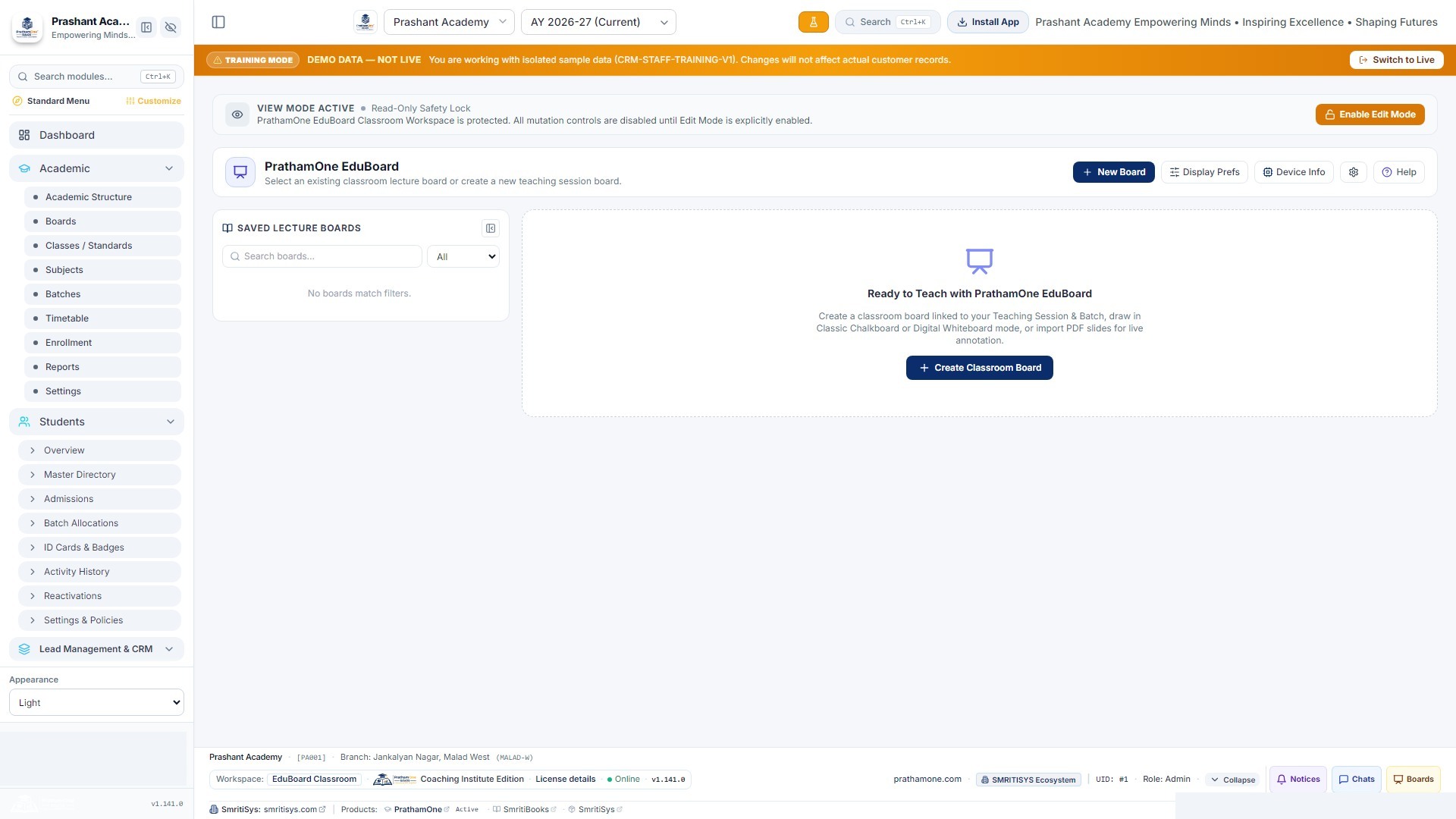
EduBoard
A classroom presentation canvas with board-display workspaces, multiple pages, and recovery support for an interrupted session.
Teachers can present lesson content in a shared digital workspace as part of a classroom workflow.
- Teachers
- Classroom presenters
- Academic technology administrator
Explore the workflow
How EduBoard can help your institute.
Review the tasks this workspace supports and decide which ones fit your institute's process.
Typical tasks
- Open a lesson canvas in the appropriate display mode.
- Present and navigate multiple lesson pages.
- Review read-only display and session recovery behavior.
Availability & scope
Student view is read-only. Test classroom displays and hardware separately; a screen preview does not guarantee device compatibility.
The page describes a documented capability area; confirm the target edition, deployment, permissions, and integrations before relying on a particular workflow.
Make it relevant to your institute
See this workflow in context.
Bring your roles and questions to a product walkthrough. Use approved synthetic or demo records.