

Institute operations & data
Import & Export
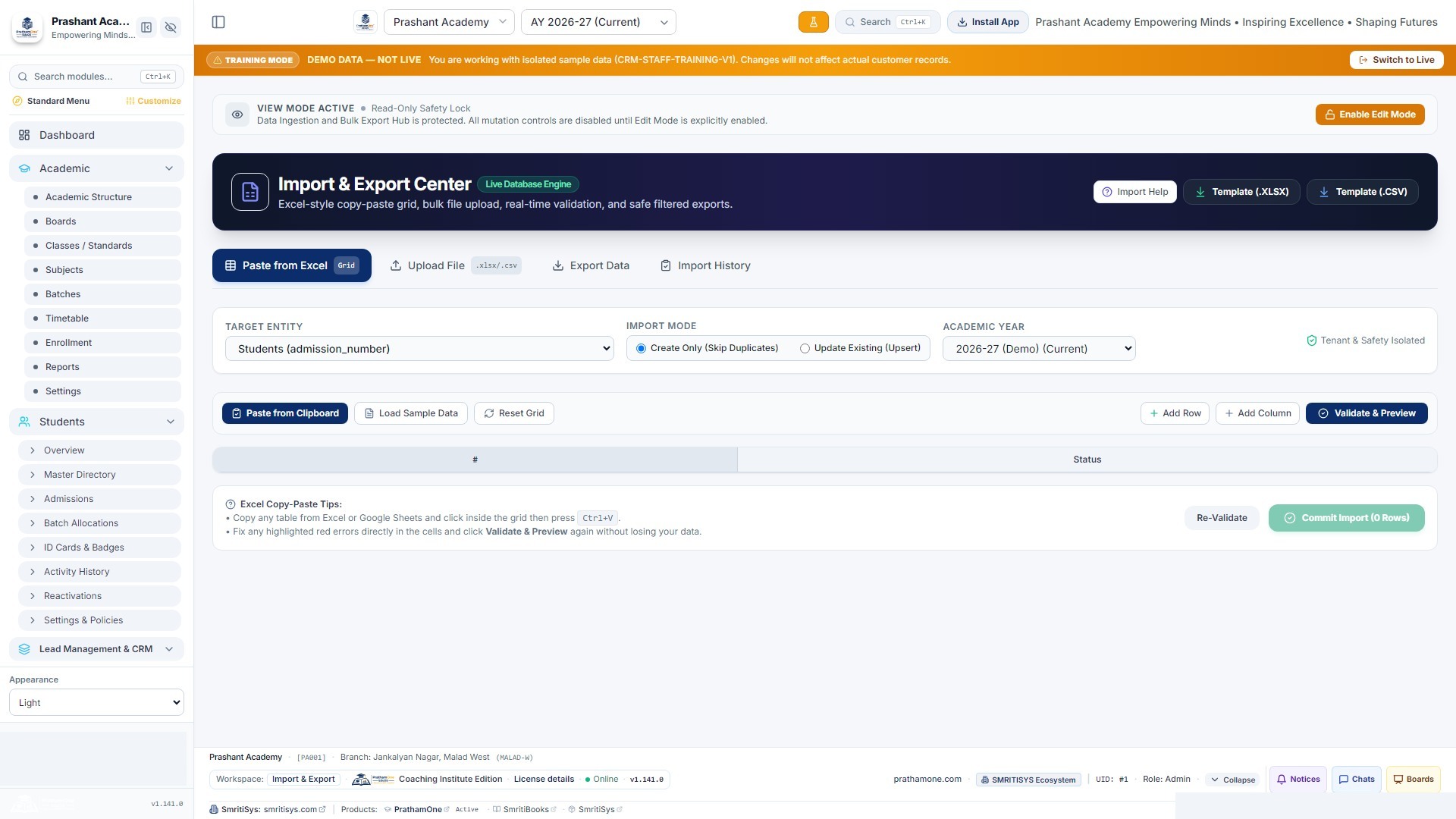
A guided data-exchange workspace with grid import, validation, filtered export, and import-history views.
Structured checks before and after transfer help authorized staff review data-exchange steps and catch issues for review.
- Data steward
- Administrator
- Accountant and authorized operator
Explore the workflow
How Import & Export can help your institute.
Review the tasks this workspace supports and decide which ones fit your institute's process.
Typical tasks
- Prepare and validate sample import rows.
- Review filtered export options.
- Inspect import history without committing a live import.
Availability & scope
Use approved demo data in public walkthroughs. Follow the institute's backup, retention, mapping, and deletion policies for real transfers.
The page describes a documented capability area; confirm the target edition, deployment, permissions, and integrations before relying on a particular workflow.
Make it relevant to your institute
See this workflow in context.
Bring your roles and questions to a product walkthrough. Use approved synthetic or demo records.