

Institute operations & data
Reports
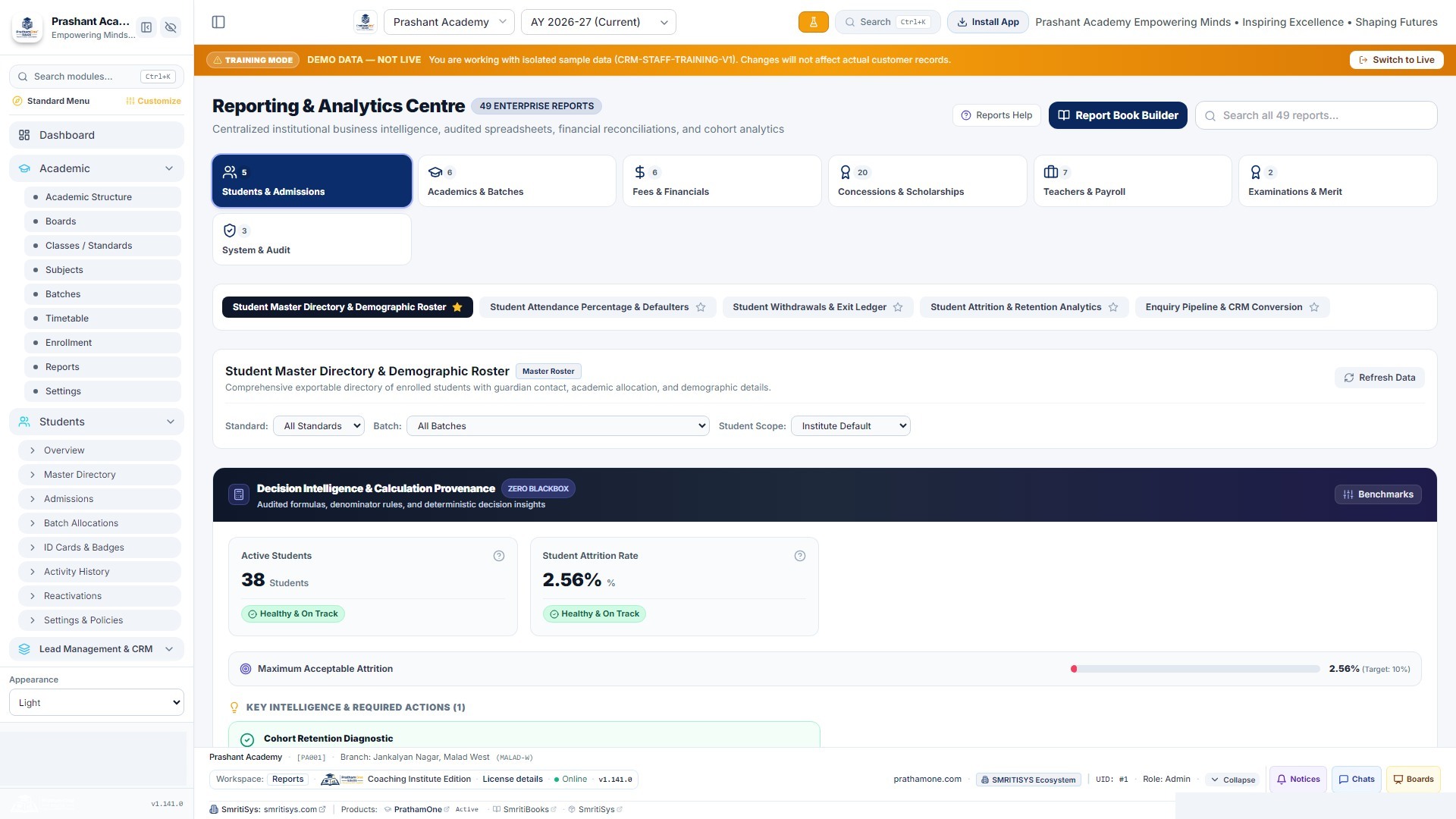
A report catalogue with categories, search, data grids, operational analytics, and report history or navigation context.
Repeatable report views help administrators review recurring questions using a consistent report definition and selected period.
- Director
- Principal
- Accountant and academic coordinator
Explore the workflow
How Reports can help your institute.
Review the tasks this workspace supports and decide which ones fit your institute's process.
Typical tasks
- Browse report categories and search for a report.
- Review available filters, data grids, and analytics.
- Check report context and history before sharing an export.
Availability & scope
Check report scope, date range, calculation, and role access before sharing an export.
The page describes a documented capability area; confirm the target edition, deployment, permissions, and integrations before relying on a particular workflow.
Make it relevant to your institute
See this workflow in context.
Bring your roles and questions to a product walkthrough. Use approved synthetic or demo records.