

Academics & classroom
Examinations
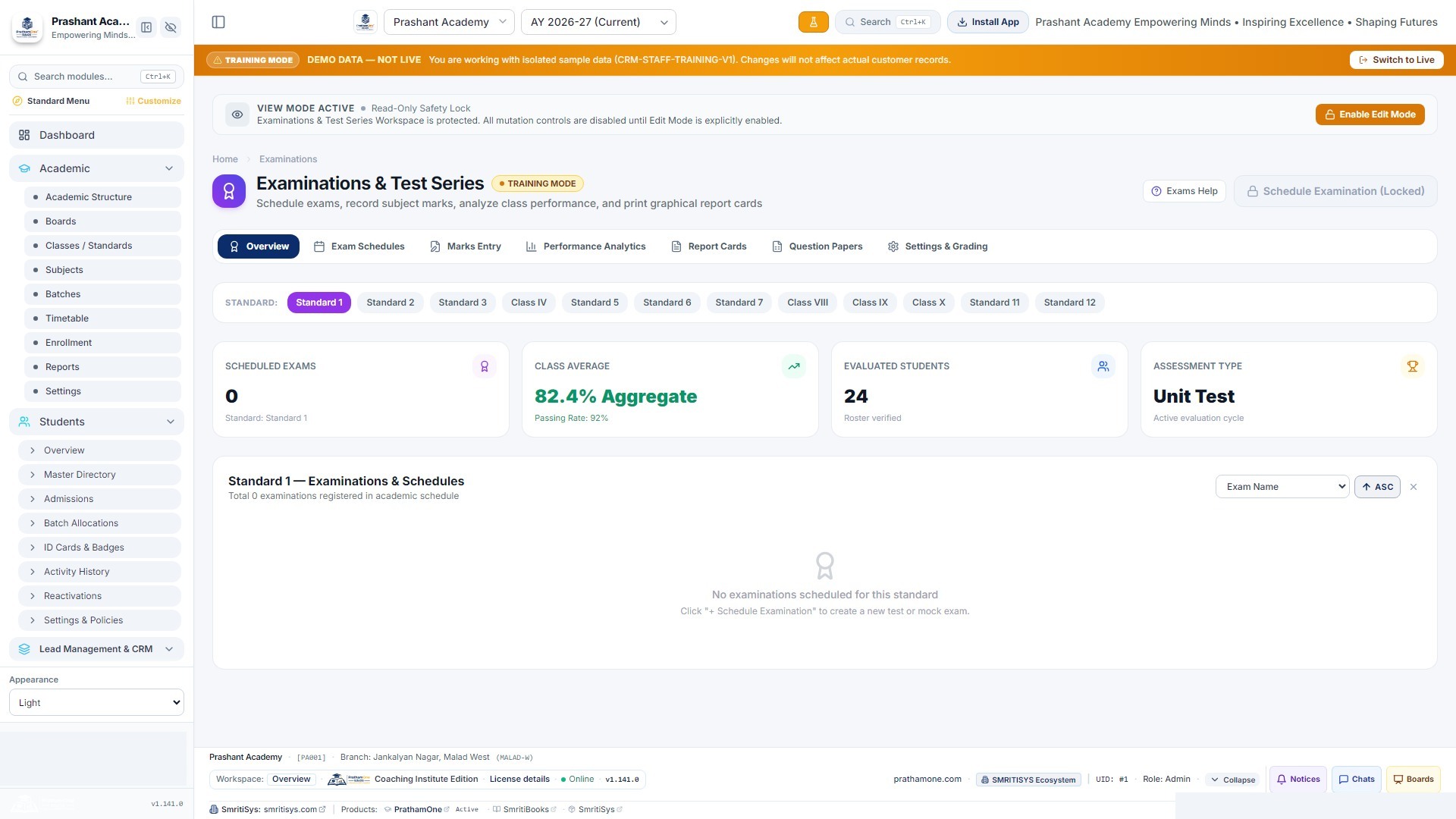
Exam overview, schedules, marks entry, performance analytics, question-paper workspaces, and grading settings.
A defined assessment workspace helps staff review schedules and organize the work that leads to results.
- Exam coordinator
- Teachers
- Academic lead
Explore the workflow
How Examinations can help your institute.
Review the tasks this workspace supports and decide which ones fit your institute's process.
Typical tasks
- Review examination schedules and status.
- Open marks-entry and analytics workspaces.
- Review question-paper and grading settings.
Availability & scope
Marks are sensitive academic records. Keep marks entry and grading-policy changes locked during a general showcase.
The page describes a documented capability area; confirm the target edition, deployment, permissions, and integrations before relying on a particular workflow.
Make it relevant to your institute
See this workflow in context.
Bring your roles and questions to a product walkthrough. Use approved synthetic or demo records.